Real product screens and flows · Mixed access
Refero ↗
Use it for dashboards, onboarding, pricing, forms, cards, navigation and complete user flows.
Search by: page type, UX pattern or UI element.
Your reference route
You choose the visual direction. Send me a link or screenshot and one sentence about the part you like; I will identify it, check its source and terms, avoid duplicates, and save a useful reference into Design Brain.
Use it for dashboards, onboarding, pricing, forms, cards, navigation and complete user flows.
Search by: page type, UX pattern or UI element.
Use it for whole-site art direction, typography, layout, navigation and industry examples.
Search by: style, type, subject or platform.
Use it for bolder websites, motion, unusual composition and strong visual identity.
Notice: what is useful versus what would distract a client.
Use it for hero sections, service pages, portfolios, product launches and page structure.
Search by: industry, style, colour or page purpose.
Real app and web-product screens. Best for product flows and common interface conventions.
Recorded user flows. Best when a screenshot cannot explain how a task behaves from start to finish.
Landing-page collections for full-page sequence, hero and call-to-action research.
Restrained, typography-led sites for clarity, space and fewer visual effects.
Experimental websites for unusual navigation, type, motion and interaction ideas.
Single-page websites for compact services and deciding what information earns a section.
Highly produced websites. Study craft, then check usability and performance separately.
Community design files and UI kits. Send the exact creator and file link; access does not settle reuse rights.
Use these for design research. Open a screenshot at full size or follow the source. Mobbin ↗ is already in the list above.
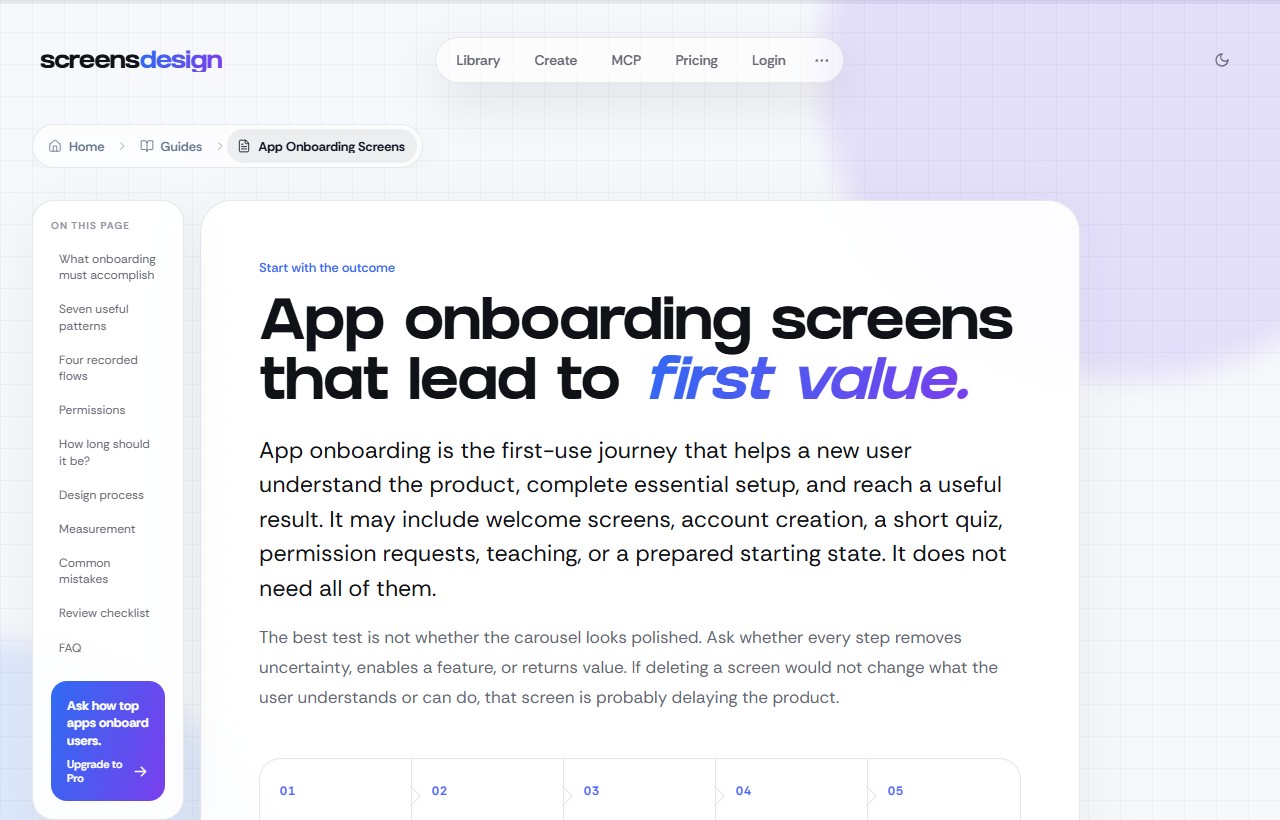
Study what each step does before a visitor reaches the result.
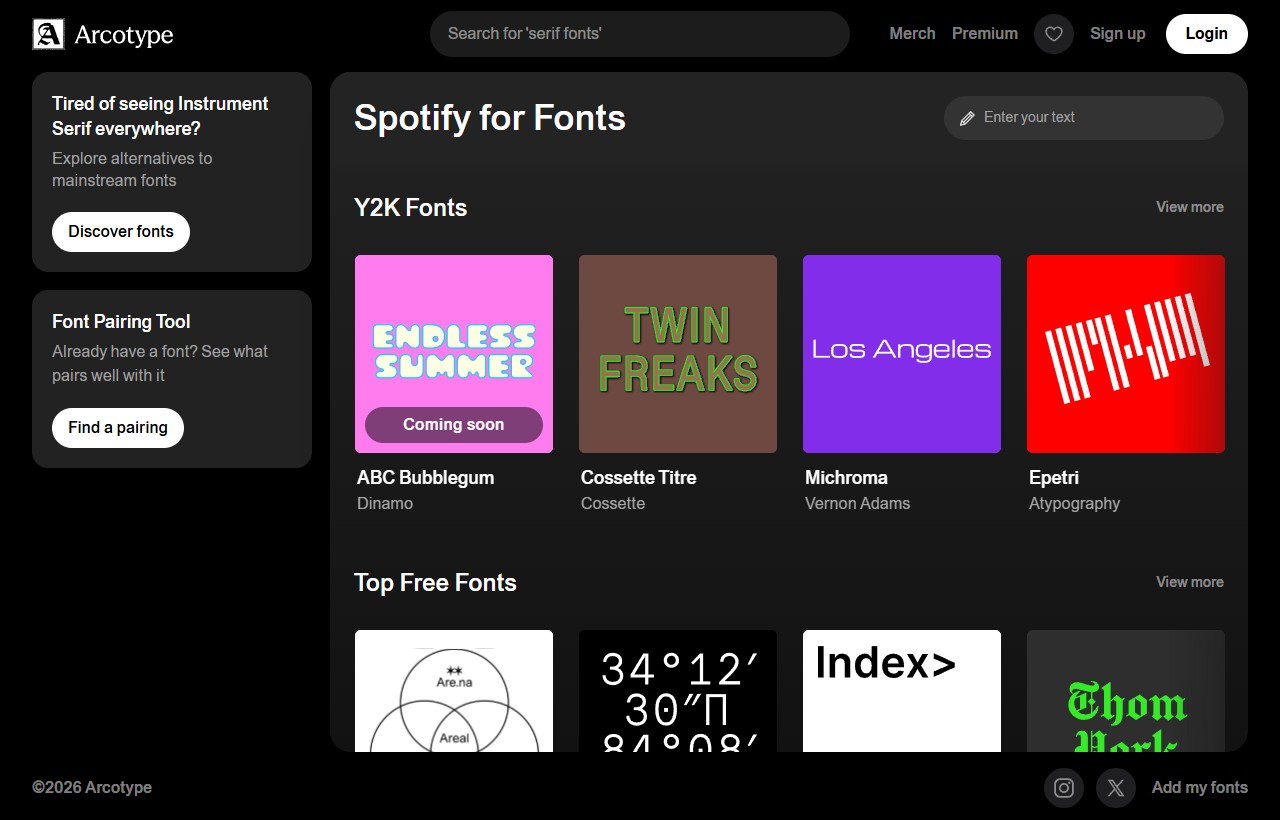
Try type pairings with your own headings and body copy. Check each font’s web licence at the source.
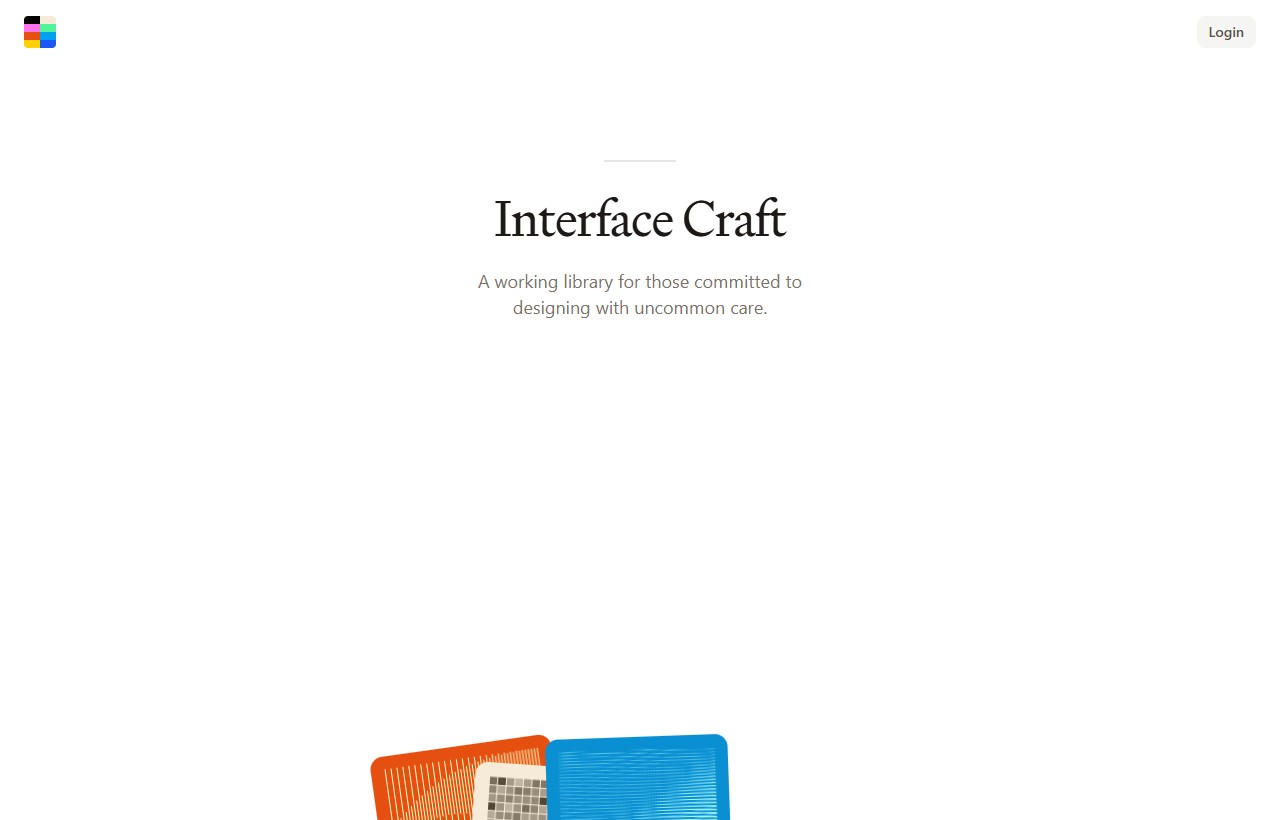
Study the type hierarchy, open space and illustrated cards on the public landing page.
Find colour and image references. Follow any image you want to use back to its original source.
Downloadable whole-site structures. We already hold several, so I will check for duplicates.
Downloadable portfolio, editorial and landing templates with attribution requirements.
Modern static-site themes. Each has its own repository, build needs and licence.
Contemporary builder templates and interactions for visual scouting or Framer builds.
Responsive complete sites inside Webflow. Platform limits and template terms still matter.
Cloneable sections and interactions. Cloneable does not automatically mean unrestricted outside Webflow.
A large free directory for projects that genuinely need WordPress.
Broad industry examples. Treat them as Wix references, not downloadable source code.
Design tips and UI refactors. Look for the exact spacing, weight or colour change that makes a screen clearer.
Tips, projects and videos ↗Timing, easing and interactive animation comparisons. Course access depends on enrolment.
Animation examples and course preview ↗A collection of interface experiments. Study the feedback, transitions and small details in each one.
Browse Craft ↗Adjust working examples to understand how layout behaves.
Try the CSS Grid guide ↗Lessons on building flexible layouts and understanding CSS decisions.
Browse lessons and articles ↗Choose a tool for the job, then compare a result with the original at the size it will appear on the page.
Editing, generative fill and enlargement. Its restoration tools can also treat JPEG compression damage. Access depends on your plan.
Image tools ↗Explore SVG graphics and recolourable logo ideas. Review the selected plan’s commercial-use terms before client work.
Vector generator and examples ↗Free open-source desktop image enlargement. Test for halos, altered detail and useful gains at the intended display size.
Desktop app and requirements ↗Extract colour ideas from a business’s photo or logo. Assign colours to page roles and check contrast.
Extract a palette ↗Compare compression settings and file sizes in the browser before putting images on a website.
Open the image compressor ↗Send the exact page link. Add a screenshot or short recording when the important detail moves.
Name the hero, card, menu, typography, colour, spacing, hover effect, flow or overall mood.
For example: restaurant homepage, agency portfolio, booking flow or general inspiration.
“Save this for [project/type]. I like the [part] because [reason].”
A screenshot is evidence of an appearance, not permission to copy the whole site, brand, artwork, photography or code. I will separate inspiration from reusable source when I file it.